Evaluate
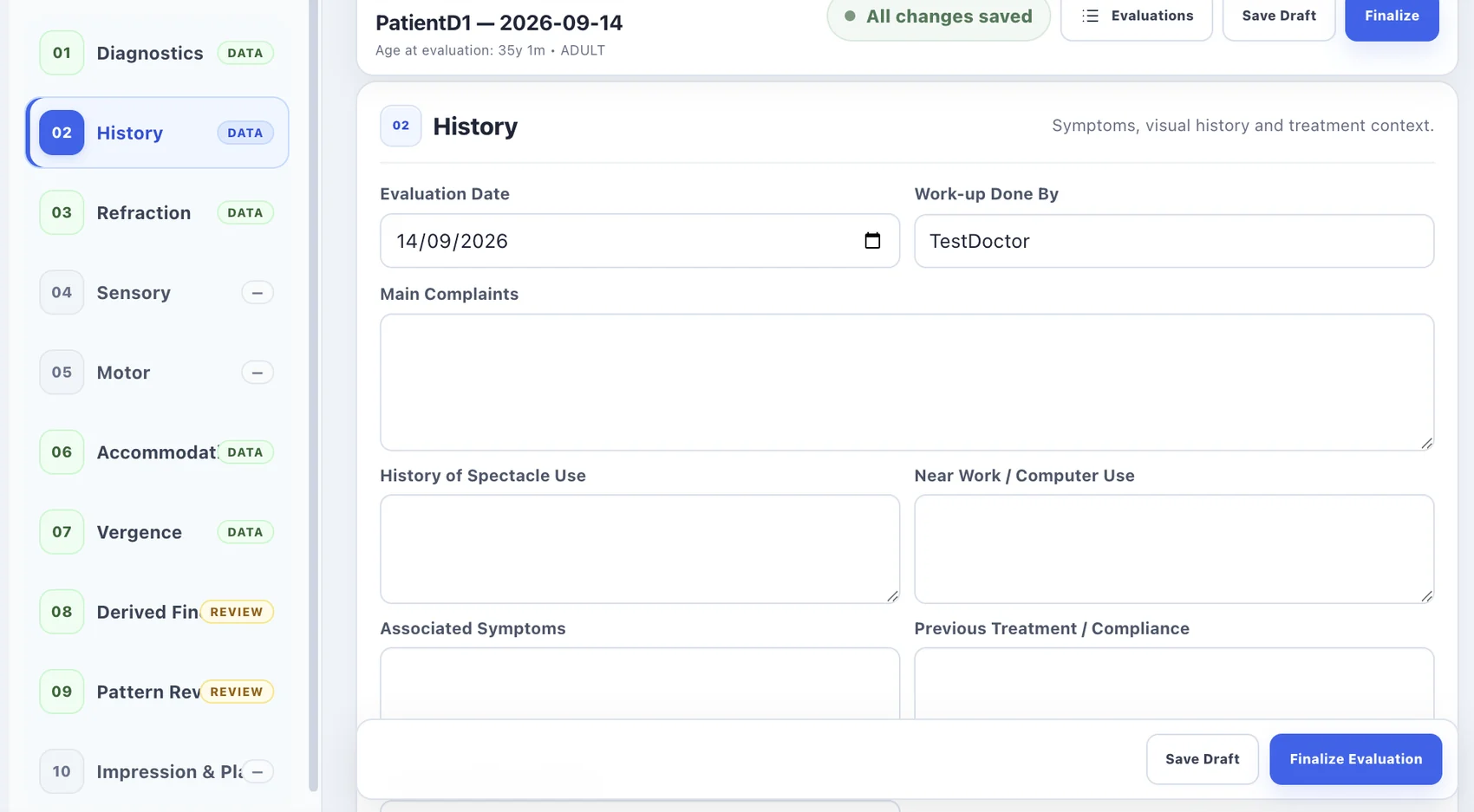
Record history, refraction, sensory findings and structured clinical observations in a consistent evaluation workspace.
VisuoSight brings patient evaluation, digital diagnostics, clinician-guided Quick Office tools and clinical review into one consistent workspace.
VisuoSight is organized around the patient, so clinicians can move between evaluation, diagnostic tools, therapy and progress review while keeping the same clinical context.
Record history, refraction, sensory findings and structured clinical observations in a consistent evaluation workspace.
Use digital clinical measurements for visual acuity, binocular vision, accommodation and vergence assessment.
Launch clinician-guided Quick Office exercises with configurable targets, calibration and session tracking.
Keep patient progress, session history and clinical information connected for ongoing review.
Keep the clinical evaluation organized from the first history entry through refraction, binocular vision findings, derived interpretation and the final clinical plan.
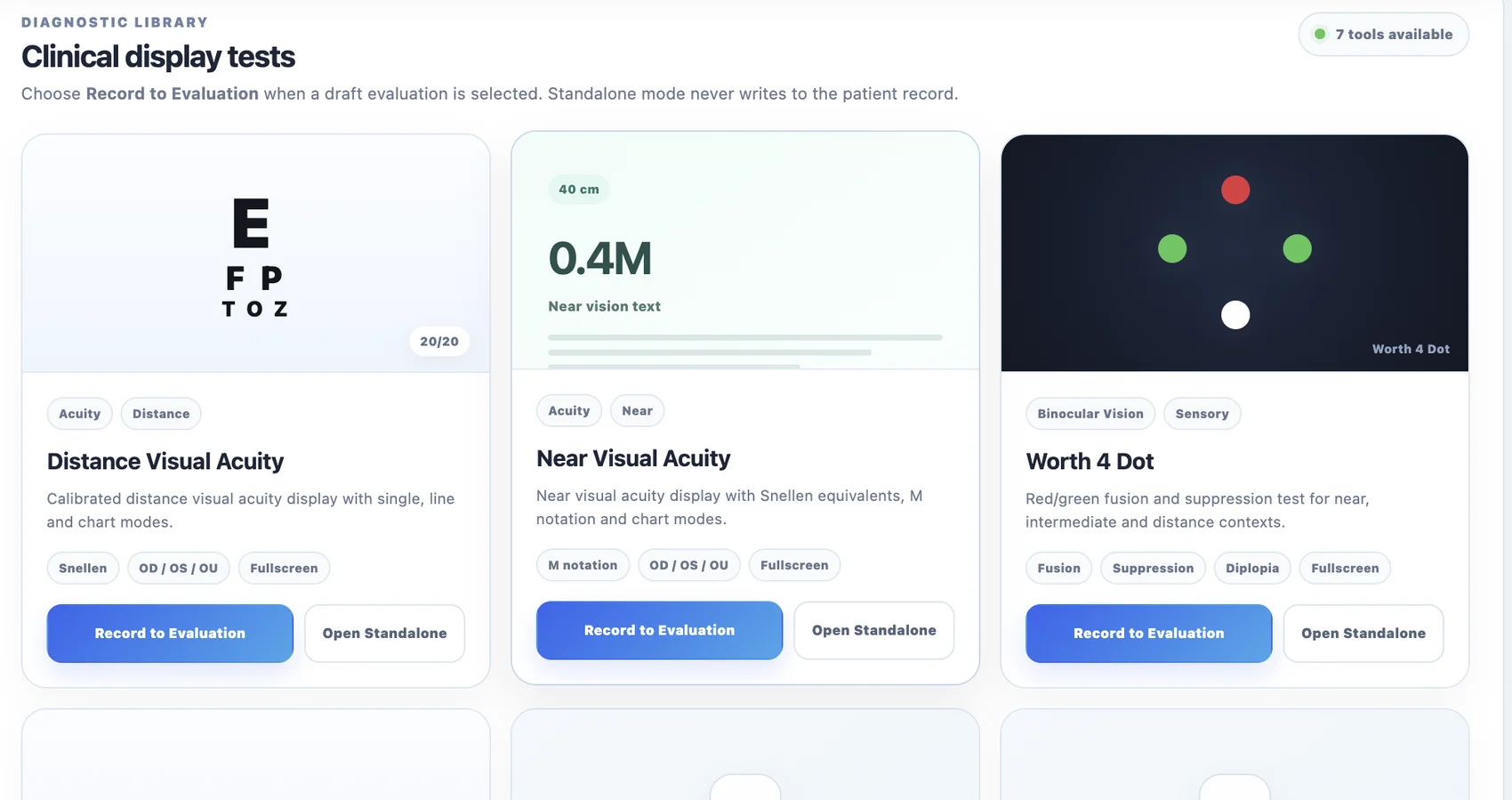
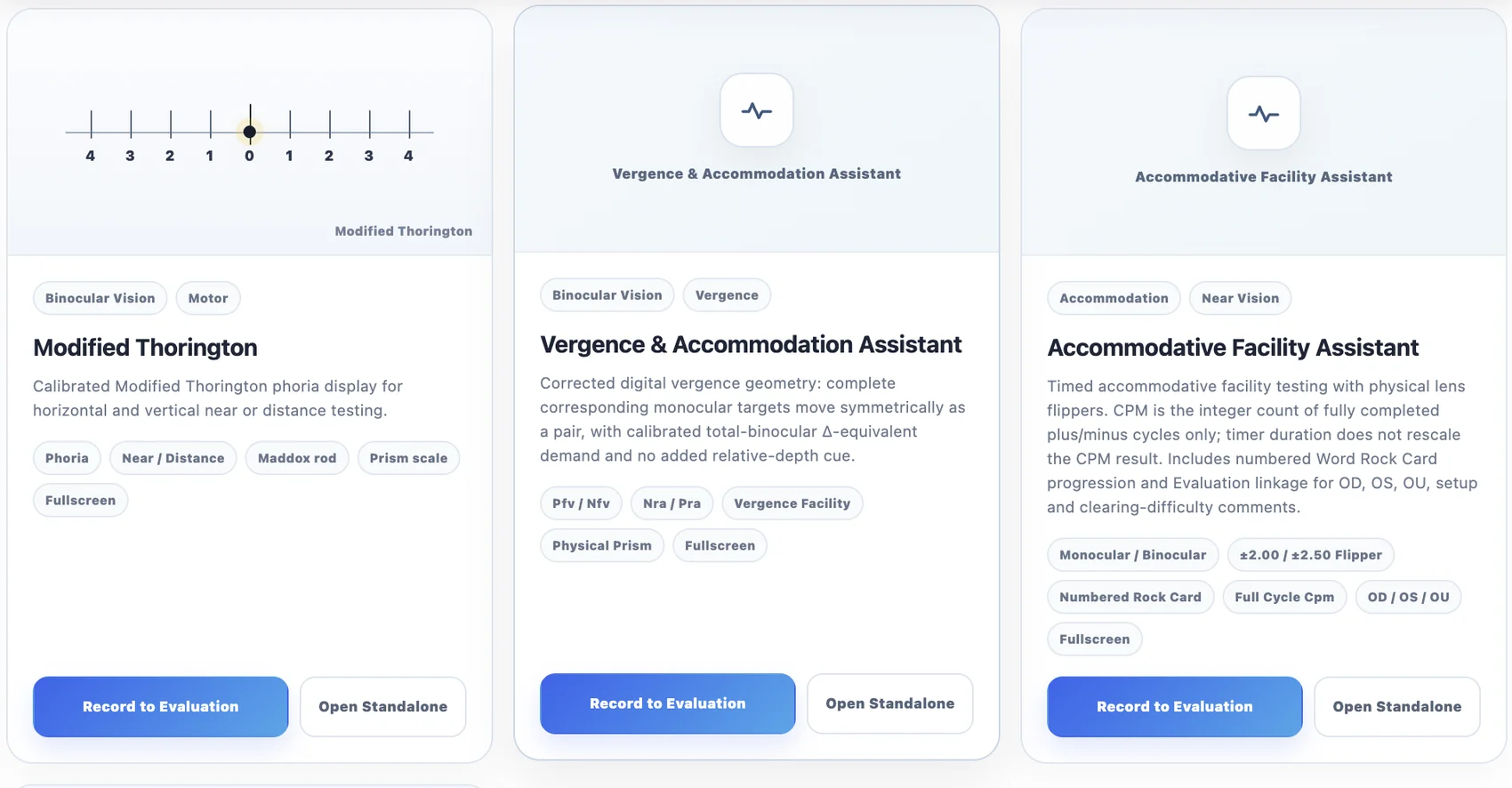
Launch digital clinical measurements from the patient context, record eligible results to the current evaluation, or open tools independently in standalone mode.
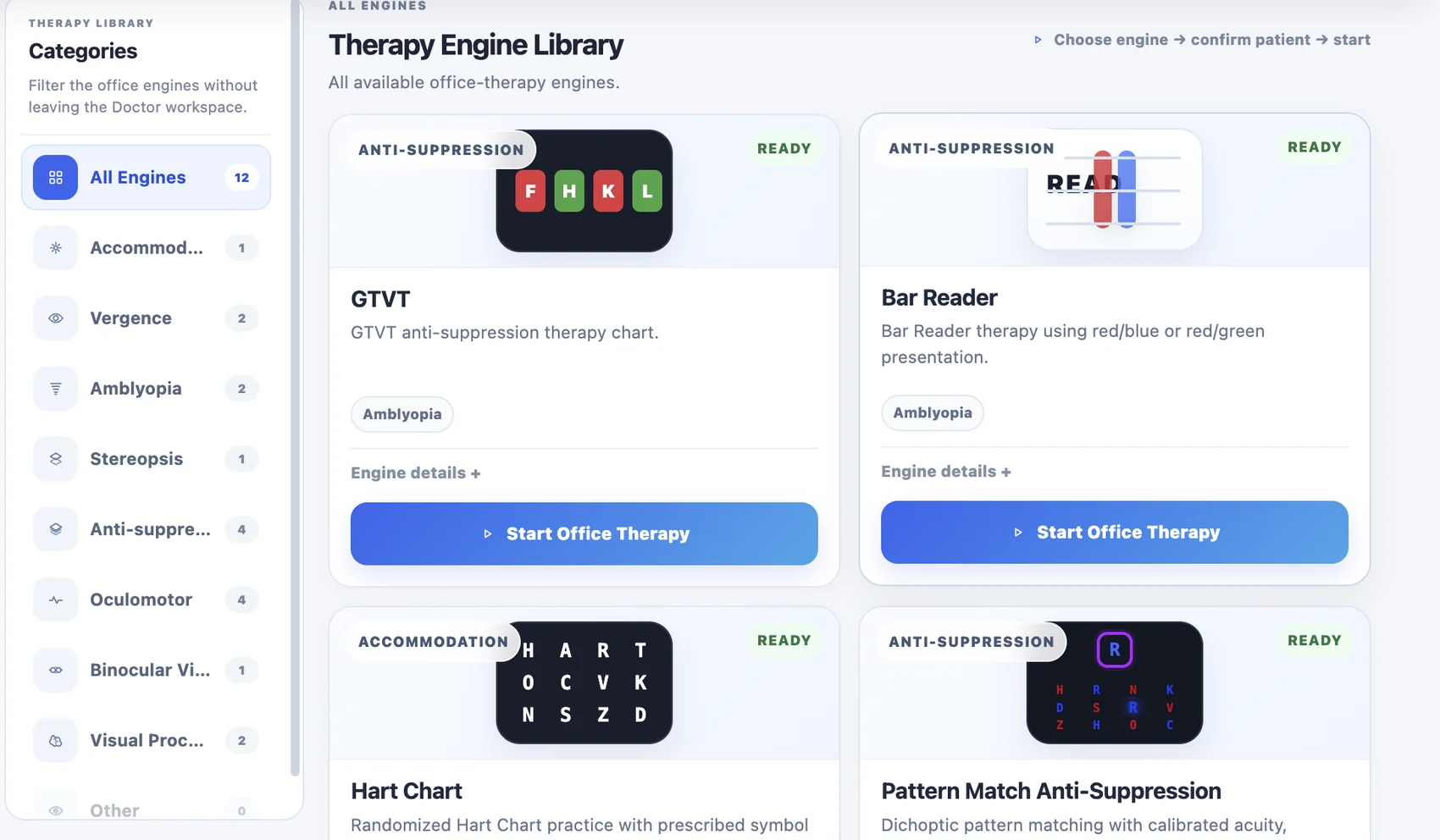
Browse therapy engines by clinical category, choose an engine, confirm the patient and start a guided in-clinic session without leaving the doctor workflow.
The Complete Clinic + Touch package combines the full software workspace with a touch-screen hardware setup for a dedicated in-clinic station.
Prices and active offers below are loaded directly from the VisuoSight commercial dashboard.
VisuoSight package permissions are checked on protected clinical server actions, so unavailable modules are not unlocked simply by entering a direct URL.
Each clinician can be assigned an active software package.
Evaluation, diagnostics and Quick Office are controlled independently.
Protected clinical actions validate package access on the server.
Enter your details below. You can copy a ready-to-send enquiry, or enable direct email/WhatsApp in the site configuration file.